

Equidim · Interactive and immersive design
Interactive experiences and installations
Some stories work best when people can take part. Equidim designs screens, spaces and real-time 3D that respond when people move, touch or make a choice.
Ways people can take part
Interactive screens
The image changes when someone touches the screen, moves in front of it or makes a choice.
Interactive installations
Light, images, sound and objects can respond to people in a physical space.
Real-time 3D
The scene is drawn as people use it, so it can react instantly instead of playing as a fixed film.
AR and VR
AR adds digital content to a view of the real world. VR places someone inside a digital one.
Digital activations
A simple interaction can help people discover, create or share part of a campaign or event.
Walk-through stories
A route, a script and interactive moments turn a space into a story people can explore.
Try live 3D on our website
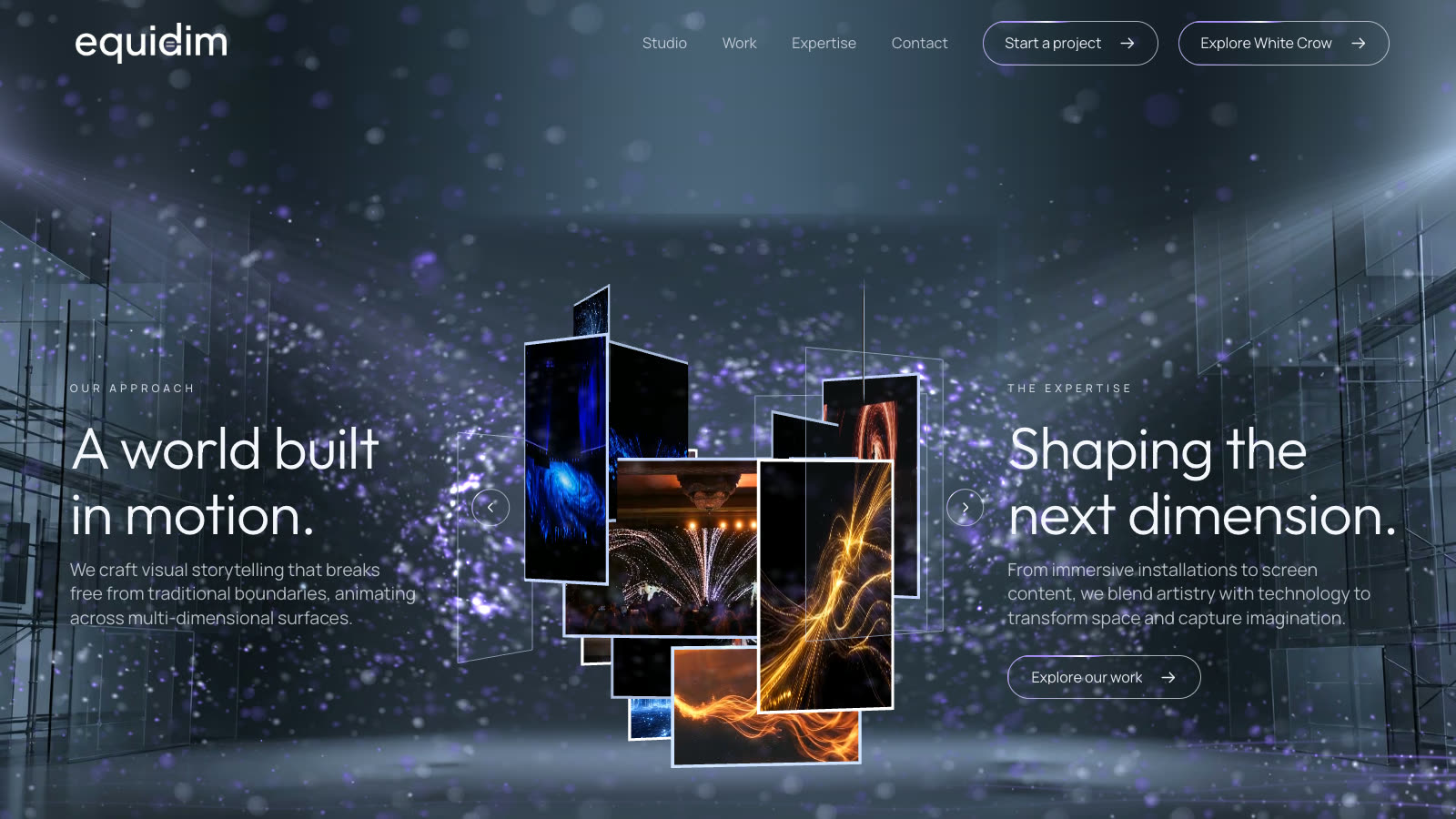
The turning screens on Equidim’s homepage are a live 3D scene, drawn by your device as you use it.
Choose Equidim on our homepage, then scroll to “A world built in motion”. Use the arrows to turn the screens, or choose a screen to see the work. With a mouse, the edges light up as the pointer gets close.
How we plan an interactive experience
Decide what people do
Start with one clear action, and the change people should see, hear or feel.
Understand the space
Plan for visitor numbers, how long people stay, the light, the sound and the way people move through the space.
Make a simple test
An early version shows whether people understand what to do without instructions.
Create and connect the content
The visuals, sound and interaction are made together for the chosen equipment.
Test it where it will run
Try it with real people and different heights, speeds, light levels and group sizes.
Decide these early
- Who will use it, and how many people may use it at once
- How people can take part if they use a wheelchair, or have limited sight, hearing or movement
- Whether cameras, microphones or personal information are needed, and how people will be told
- Power, internet, equipment and the people needed to run it
- What visitors will see if the equipment or the connection stops
- Who will look after it, if it stays open after the event
The equipment and the build depend on the idea and the venue. We plan them with the technical team for the space.
Questions about interactive experiences
What is the difference between interactive and immersive?
An immersive space surrounds people with images, light or sound. An interactive one responds to what they do. A project can be both.
Will people need to download an app?
Not always. A physical installation may need no phone at all, and some phone experiences open in a browser. It depends on the idea and the equipment.
Can it be part of a live show?
Yes, if the interaction is planned around the performers, the show cues and the audience. WhiteCrowShow can create the live performance.